
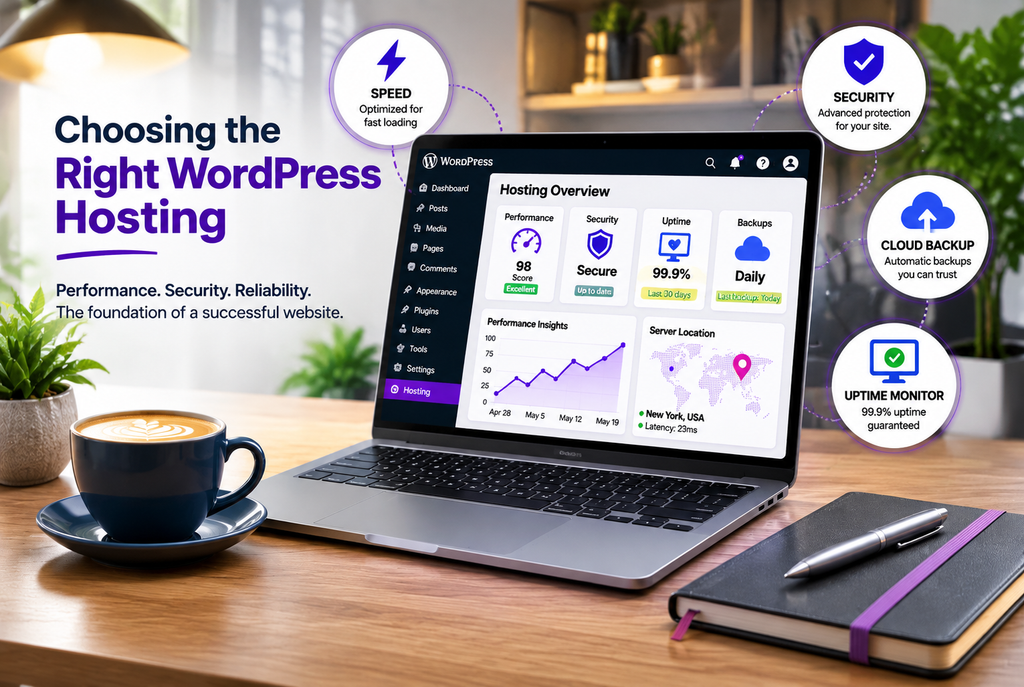
Your WordPress site can only work as well as the hosting that runs it. Slow pages, unexpected downtime, or weak security don’t just annoy visitors—they cost leads and sales.
A lot of business owners choose hosting based on the lowest introductory price. Then the renewal rate jumps, support turns out to be limited, or the site struggles once real traffic arrives. Choosing the right WordPress hosting means matching the plan to how your site actually works and how important it is to your business.
Here’s a practical look at what matters so you can make a clearer decision.
What WordPress Hosting Actually Needs
WordPress is not especially demanding on paper. Official recommendations include current PHP (preferably 8.3 or newer), a modern database (MySQL 8.0+ or MariaDB 10.11+), and HTTPS. Almost every reputable host meets these basics.
The real differences show up in how the host handles performance under load, security, backups, and day-to-day reliability. A simple brochure site with a few pages has different needs than a WooCommerce store that processes orders throughout the day.
Types of WordPress Hosting
Shared WordPress Hosting
Multiple sites share the same server resources. Plans are inexpensive (often a few dollars per month after the introductory period) and easy to start.
This works well for simple brochure sites or low-traffic business sites. The trade-off is less isolation—if another site on the server gets heavy traffic or is compromised, it can affect yours. You usually handle more of the updates, caching, and security yourself.
Managed WordPress Hosting
The host optimizes the environment specifically for WordPress. Typical features include server-level caching, automatic or assisted updates, daily backups with easy restores, staging environments, and WordPress-focused support. Sites are usually better isolated from one another.
Pricing is higher (commonly starting in the $20–40/month range for entry plans). It is a strong fit for business sites, online stores, or anyone who wants fewer technical tasks and more consistent performance.
VPS or Cloud Hosting
You get dedicated resources (or a virtual slice of them) and more control. Options range from unmanaged VPS (you handle the server) to managed cloud platforms where the provider handles much of the infrastructure.
This is useful when you need more power, better isolation, or the ability to scale. It can be cost-effective for growing sites or agencies, but it requires more technical involvement unless you choose a fully managed layer.
Key Factors to Evaluate
Speed and performance
Look beyond marketing claims. Server response time (TTFB) and how the host performs under load matter more than a single cached homepage score. Hosting plays a major role in Core Web Vitals, which affect both user experience and search rankings. Server-level caching and a solid CDN help significantly.
Uptime and reliability
Most hosts advertise 99.9% uptime. Check real monitoring data or independent tests when available, and confirm what happens if the site goes down. For a business site, even short outages during business hours can matter.
Backups and recovery
Daily automated backups stored off-site, with an easy one-click restore, are essential. Ask how long backups are kept and whether you can restore them yourself.
Security
Look for free SSL, a web application firewall, malware scanning, and a clear process if the site is compromised. Managed hosts often include more of this; on shared plans you may need additional plugins or services.
Support quality
Test it before you buy. Ask a real WordPress-related question and see how quickly and usefully they respond. WordPress-specific support is more valuable than generic ticket replies.
Scalability and limits
Check visit limits, PHP worker limits, storage, and how easy it is to upgrade. Some plans look affordable until you hit a traffic threshold and the price jumps.
Renewal pricing
Introductory rates are common. Always check the renewal price after the first term. A plan that triples in cost after year one can erase the early savings.
Staging and developer tools
A staging environment lets you test updates and changes safely. SFTP, SSH, or Git access is useful if you or your developer need deeper control.
Matching Hosting to Your Business
- Simple brochure or service site with low traffic: Quality shared WordPress hosting is often enough if it includes solid caching and you stay on top of updates.
- Lead-generating business site or growing company site: Managed WordPress hosting usually provides better consistency, support, and fewer surprises.
- WooCommerce store or site with logged-in users: Prioritize hosts that handle dynamic (uncached) requests well, offer good PHP worker resources, and include reliable backups. Managed or well-configured cloud options tend to perform better here.
- High-traffic or complex site: Look at managed cloud, VPS, or dedicated options with clear scaling paths.
Practical Steps Before You Decide
- Estimate your traffic and whether the site will have dynamic elements (store, membership, forms that can’t be fully cached).
- List must-have features: daily backups, staging, specific PHP version, WordPress support.
- Compare total cost over two years, not just the first month.
- Test support and review independent performance data when possible.
- Confirm migration help if you are moving an existing site.
Good hosting does not replace solid website development or ongoing maintenance, but it makes both easier and more effective. At Nexryvo we build custom WordPress websites and often help clients choose or move to hosting that supports the performance and reliability their business needs. We also offer Website Maintenance so updates, backups, and security stay consistent after launch, and Speed Optimization & Technical SEO when the site needs to perform better under real conditions.
Conclusion
The best WordPress hosting for your business is the one that matches your traffic, your technical comfort level, and how critical the site is to revenue. Shared hosting can work for simple sites. Managed WordPress hosting reduces risk and workload for most growing businesses. Higher-resource options make sense when performance or scale becomes non-negotiable.
Focus on real performance, reliable backups, clear support, and total cost rather than the lowest advertised price. The right foundation makes everything else—design, speed, SEO, and growth—easier.