
If you’re getting ready to build a website for your business, someone will almost certainly tell you to “just use WordPress.” Then you look it up and find two options with nearly identical names, and it’s not immediately clear which one you should actually use.
Both WordPress.com and WordPress.org run on the same core software, but they operate very differently. One is a managed hosting service that handles most of the technical work for you. The other is free software you host yourself. Picking the wrong version early on can limit what you’re able to do later—especially if you want custom features, better SEO control, or an online store.
Here’s a clear look at the practical differences so you can choose the version that fits a real business website.
The Core Difference
WordPress.org is the free, open-source software. You download it and install it on hosting you choose (this is usually called self-hosted WordPress). You own the files, the database, and the decisions about how the site works.
WordPress.com is a hosted service run by Automattic. They host and maintain the site for you. You create an account, pick a plan, and start building. It’s convenient, but how much you can actually change depends on the plan you pay for.
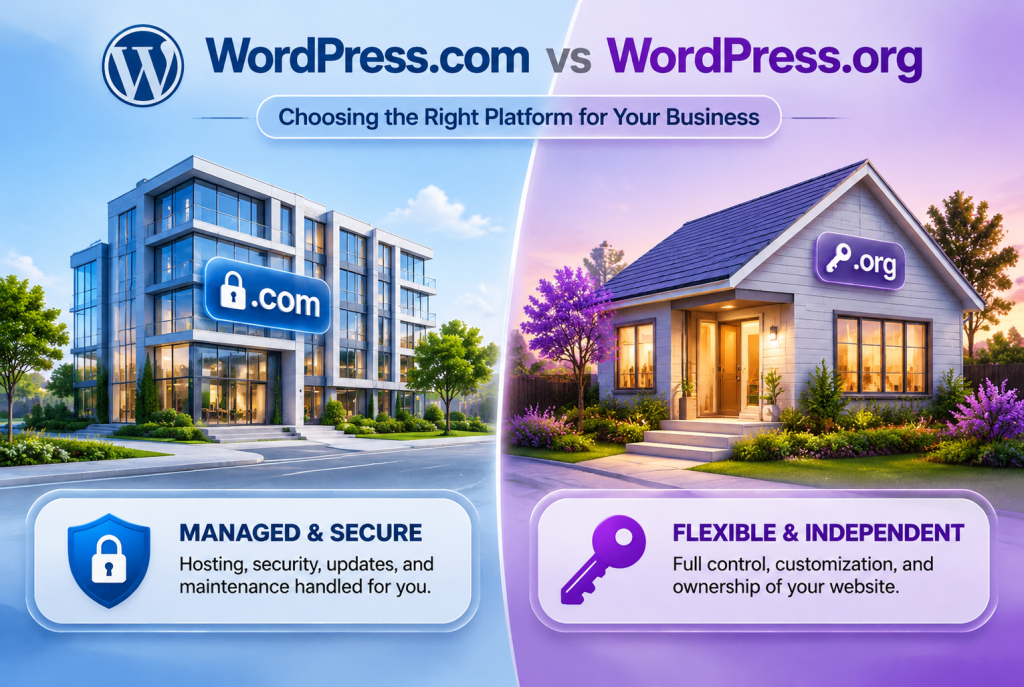
A simple way to think about it is renting a managed apartment versus owning a house. Both can look polished from the outside. The difference becomes obvious when you want to change the layout, add specific tools, or move things around.
Side-by-Side Comparison
| Feature | WordPress.com | WordPress.org (Self-hosted) |
|---|---|---|
| Hosting | Included and managed | You choose and pay for hosting |
| Software cost | Included in plan | Free |
| Plugins | Available on all paid plans (since 2026); not on Free | Any plugin, anytime |
| Themes & design | Depends on plan; full flexibility on higher plans | Any free or premium theme, or custom design |
| Custom code / file access | Limited; advanced access mainly on Business+ | Full access |
| Custom domain | Paid plans | Yes (you register it) |
| Ads on free plan | Yes (WordPress.com ads) | Only ads you choose to add |
| Maintenance & security | Handled by WordPress.com | Your responsibility (or your host’s / developer’s) |
| Best for | Simple sites, quick starts | Business sites that need flexibility and growth |
What This Means for Business Owners
Control and growth
On a self-hosted WordPress.org site you can install any plugin, build custom functionality, and change the design without running into plan limits. That flexibility matters if you later want WooCommerce, membership features, specific booking tools, advanced SEO plugins, or custom integrations.
WordPress.com has improved. Since April 2026, all paid plans allow plugin installs. Still, deeper developer tools like SFTP, staging environments, full file access, and real-time backups stay limited to the higher Business and Commerce plans. Many businesses eventually hit those walls.
Cost
WordPress.com has a free plan, but it uses a .wordpress.com address and shows ads. Paid plans currently start around $4/month (billed yearly) for Personal and rise to roughly $25/month for Business and $45/month for Commerce (annual pricing as of late 2026).
The WordPress.org software itself is free. You pay for hosting (often $5–15/month for solid shared or managed WordPress hosting) plus a domain. Over time, many businesses find the total cost lower and the capabilities higher than the upper WordPress.com plans.
Maintenance and responsibility
WordPress.com handles updates, security, and most technical upkeep. That’s convenient if you want minimal involvement.
With WordPress.org you (or your developer) handle updates, backups, and security. It sounds like extra work, but it also means you’re not locked into someone else’s rules. Good hosting and a simple maintenance routine—or a maintenance service—keep it manageable.
SEO and performance
Self-hosted WordPress gives more direct control over technical SEO, speed optimization, structured data, and hosting quality. You can choose performance-focused hosts and fine-tune the setup. WordPress.com sites can rank well, but you have less influence over the underlying infrastructure.
Which One Should You Choose?
WordPress.com works well if you need a simple brochure site or personal blog and want almost zero technical responsibility. It’s fine for testing an idea quickly.
WordPress.org (self-hosted) is the stronger choice for most businesses. It is better when you want:
- Full control over design and features
- WooCommerce or other custom functionality
- Strong technical SEO and performance options
- The ability to grow without platform limits
- Ownership of your site files and data
Most professional website development agencies, including Nexryvo, build on self-hosted WordPress because it gives clients the flexibility they need long-term.
How Nexryvo Approaches This
We design and develop custom WordPress websites (the self-hosted WordPress.org version) for businesses that want modern, fast, and easy-to-manage sites. Our work covers custom design, Elementor and other builders, WooCommerce stores, speed optimization, and ongoing maintenance so you get the control of self-hosted WordPress without having to manage every technical detail yourself.
If you’re currently on WordPress.com and feeling limited, or you’re starting fresh and want a site built properly from the beginning, the self-hosted route usually gives better results for business goals.
Conclusion
The difference between WordPress.com and WordPress.org comes down to convenience versus control. Both use the same software, but only the self-hosted version gives you full ownership and flexibility.
For most small businesses, startups, and e-commerce owners, WordPress.org is the practical long-term choice. You can still keep things simple with good hosting and the right support, while retaining the ability to customize and grow.