
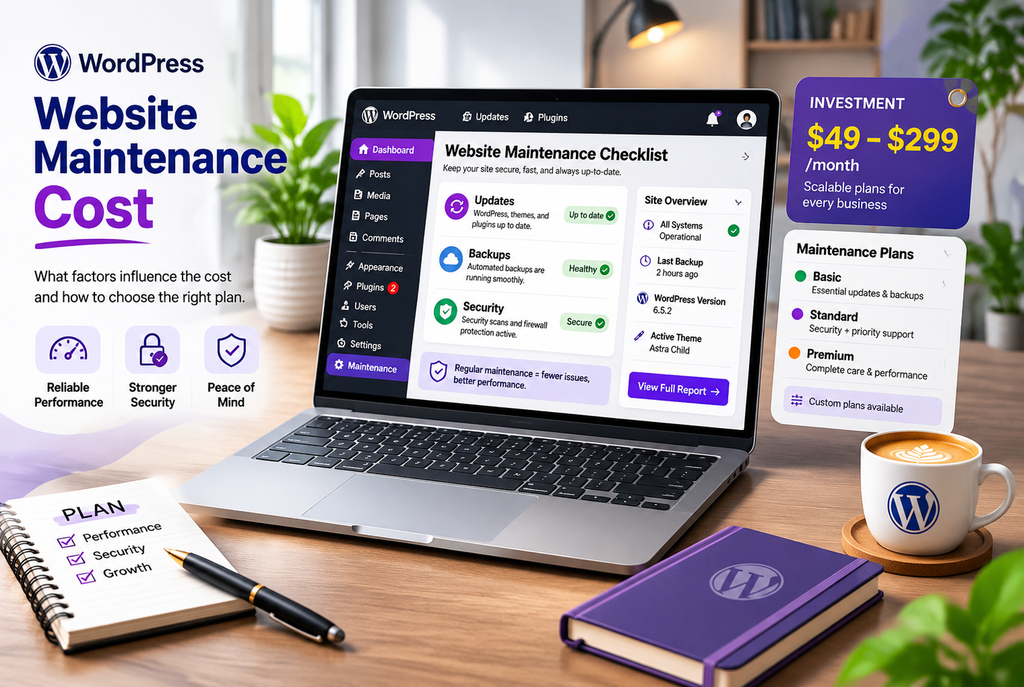
Most business owners know their WordPress site needs regular care, but the price of that care is often unclear. Some providers advertise plans under $50 a month. Others start well above $300. Both can be legitimate—they simply cover different amounts of work.
WordPress maintenance cost depends on what is included, how complex your site is, and whether you want mostly automated updates or real human support when something breaks. Understanding the ranges and what they usually cover helps you budget realistically and avoid paying for features you don’t need—or skipping ones that protect your business.
Typical WordPress Maintenance Cost Ranges
Here is a practical overview based on publicly listed plans from multiple providers in 2026:
| Level | Typical Monthly Cost | What’s Usually Included | Best For |
|---|---|---|---|
| Basic / Automated | $39–$100 | Core, plugin, and theme updates; automated backups; uptime and security monitoring | Simple brochure sites with low change needs |
| Standard / Care | $100–$300 | Everything in basic, plus security scanning or cleanup, staging-tested updates, limited support or small edits | Most small business and lead-generation sites |
| Premium / Managed | $300–$500+ | Priority support, more developer time, performance checks, WooCommerce-specific care | Online stores and sites where downtime has a clear cost |
| Enterprise / Custom | $500–$2,000+ | Dedicated support, significant development hours, custom SLAs | Larger or complex operations |
These are market ranges, not fixed prices. Individual providers set their own rates, and total cost can also include hosting, premium plugin licenses, and domain renewals.
What Drives the Price
Site complexity
A five-page brochure site needs far less attention than a WooCommerce store with product variations, payment gateways, and regular inventory changes. Membership sites, booking systems, and custom code also raise the level of testing required after updates.
Amount of human involvement
Fully automated plans are the least expensive. They run updates and create backups, but a person may not review the results or fix problems quickly. Plans that include tested updates on a staging site, malware cleanup, or a set number of small content edits cost more because they involve real time.
Support and response expectations
Same-day or 24/7 response, named contacts, and guaranteed response times increase the price. Business-hours email support costs less than priority coverage.
What’s excluded
Many lower-cost plans do not include content changes, design tweaks, new feature development, or hosting. Those items are either billed separately or available only on higher tiers. Always confirm what happens if an update breaks something or if you need a small change made.
DIY vs. Professional Maintenance
You can handle basic WordPress maintenance yourself with a good backup plugin, a security scanner, and a regular update schedule. The direct cost is low—mainly your time plus any tools. For a simple site this can work well if you stay consistent.
The hidden cost appears when something goes wrong. A failed update, a security issue, or a conflict during a busy period can take hours to fix and may require outside help anyway. Many business owners eventually move to a care plan once the site starts generating leads or sales, because the risk of downtime outweighs the monthly fee.
How to Choose a Plan That Fits
- List what your site must keep doing (forms working, checkout processing, pages loading quickly).
- Decide how much of the work you want to handle yourself versus handing off.
- Ask providers exactly what is included, what is billed extra, and how they handle update conflicts or security issues.
- Check whether staging is used for updates and how backups are stored and restored.
- Compare the total monthly cost over a year, including any hosting or license fees.
At Nexryvo we offer Website Maintenance that covers updates, backups, security monitoring, and quick fixes so business owners don’t have to manage the technical details themselves. We also help with related needs such as Speed Optimization & Technical SEO and full WordPress development when a site needs more than routine care.
Conclusion
WordPress maintenance cost typically ranges from about $40–$100 per month for automated basic care up to $300 or more for plans that include human support and testing. The right number for your business depends on site complexity, how critical uptime is, and how much work you want handled for you.
Focus on clear scope, reliable backups, and a response process that matches the importance of your site. A well-matched maintenance plan protects the investment you have already made in the website and reduces the chance of expensive emergencies.