
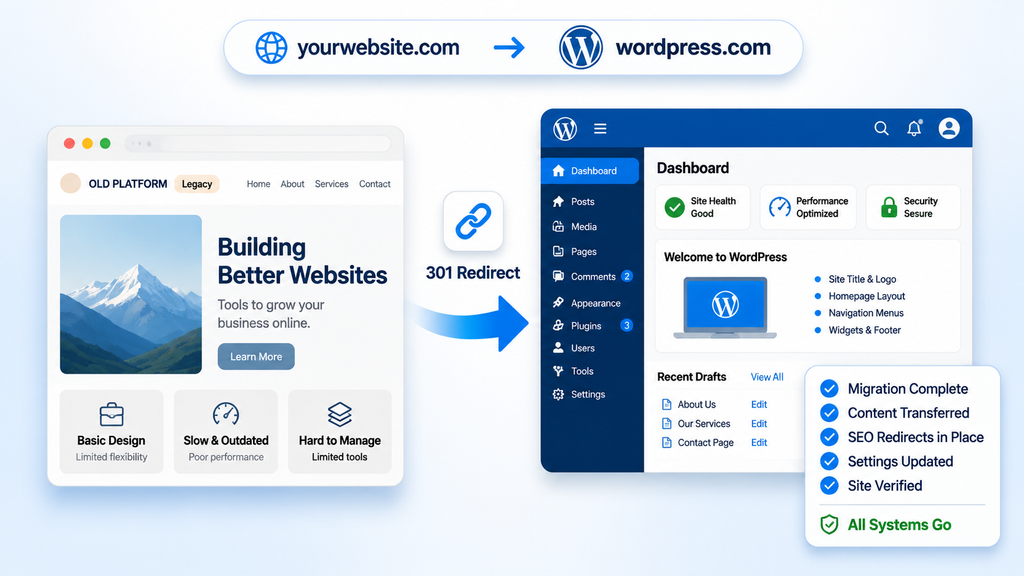
Moving a website to WordPress often feels like a gamble when organic traffic is already bringing in real customers. Plenty of business owners have seen rankings drop after a platform change and don’t want to risk the same thing. The reality is that WordPress itself rarely causes the damage. Most ranking losses come from broken URLs, missing redirects, or page signals that never made it over to the new site.
Handled carefully, a WordPress website migration can protect the visibility you’ve already built.
Start With a Clear Inventory of What You Have
Before anything gets moved, take a full snapshot of the current site. Crawl every URL with a tool like Screaming Frog and export the list. Capture title tags, meta descriptions, heading structure, canonical tags, and status codes. Flag the pages that already rank or have meaningful backlinks—those are the ones worth protecting most.
Pull recent data from Google Search Console and analytics too. Note which pages drive the most organic traffic and which queries they show up for. These pages should get the closest attention during the move.
Preserve URL Structure Wherever Possible
WordPress gives you control over permalinks, so the safest move is usually to match the existing pattern. If your current site uses something like /services/web-design/, set the same structure in WordPress under Settings → Permalinks before you import any content. Matching URLs means fewer redirects and less chance of temporary ranking dips.
When a URL has to change—because of a cleaner structure or a new content hierarchy—plan it deliberately. Put together a simple spreadsheet that maps every old URL to its new destination. Mark which ones stay the same, which ones need a redirect, and which content is being retired.
Set Up 301 Redirects Correctly
A 301 redirect tells search engines that a page has permanently moved. It’s the standard way to pass ranking signals from an old URL to a new one. Implement the redirects at the server level when you can (through .htaccess on Apache or the equivalent on Nginx). Plugin-based redirects work fine for smaller sites but can add a little overhead on larger ones.
A few practical rules:
- Map each old URL directly to its final new URL (skip chains).
- Use 301 (permanent) rather than 302 (temporary).
- Cover every changed URL, including images and media if they have incoming links.
- Test a sample of the redirects before you go live.
Once the site is live, leave the redirects in place for at least a year. Search engines need time to recrawl and update their indexes.
Transfer On-Page SEO Elements
Titles, meta descriptions, heading hierarchy, image alt text, and structured data all carry weight. Export these from the old site and recreate them in WordPress. An SEO plugin like Rank Math or Yoast makes this straightforward—you can enter the same title and description for each page so the signals stay consistent.
Internal links should point to the new URLs once the site is ready. Broken internal links create unnecessary 404s and weaken the site’s structure. Update them before or right after launch.
Use Staging and Protect the New Site From Indexing
Build and test the WordPress site on a staging environment that search engines can’t reach. Add a noindex directive (or password protection) so Google doesn’t discover the unfinished version. Once everything checks out—redirects, metadata, forms, and mobile layout—remove the noindex and switch DNS.
Also confirm the live site has HTTPS, a clean robots.txt, and a properly generated XML sitemap.
Post-Launch Checks That Protect Rankings
The first few weeks after a WordPress website migration need some attention. Submit the new sitemap in Google Search Console. Watch the Coverage and Pages reports for sudden spikes in 404 errors or excluded pages. Check that important URLs are being crawled and that the correct versions appear in search results.
Keep an eye on organic traffic and rankings for the pages that previously performed well. Small fluctuations are normal while search engines process the change. Bigger drops usually point to missing redirects, a lingering noindex tag, or content that was accidentally shortened or removed.
Also look at Core Web Vitals and overall page speed. A faster WordPress setup can improve user experience and support rankings over time, as long as the technical foundation is solid.
When a Redesign Happens at the Same Time
A lot of migrations include a visual or structural refresh. That can work, but it adds risk. Keep the highest-value content intact or clearly mapped. Avoid changing both the platform and the entire information architecture in one step if you can. If a redesign has to happen, prioritize preserving the pages that already earn traffic and links.
Conclusion
A WordPress website migration goes smoothly when the focus stays on continuity—matching URLs where possible, mapping every change with a 301 redirect, and carrying over the on-page signals search engines already trust. The technical steps are manageable once you have a complete inventory and a clear redirect plan. Most ranking movement after a well-executed move is temporary and settles as search engines recrawl the site.